Smart search and contextual filters
Search inside Spaces and Photos with CLIP, timeline filters, and the Cmd/Ctrl+K palette that reaches photos, people, places, tags, albums, Spaces, commands and settings.
searchCmd+KfilteringspacesAI
Search inside any Space
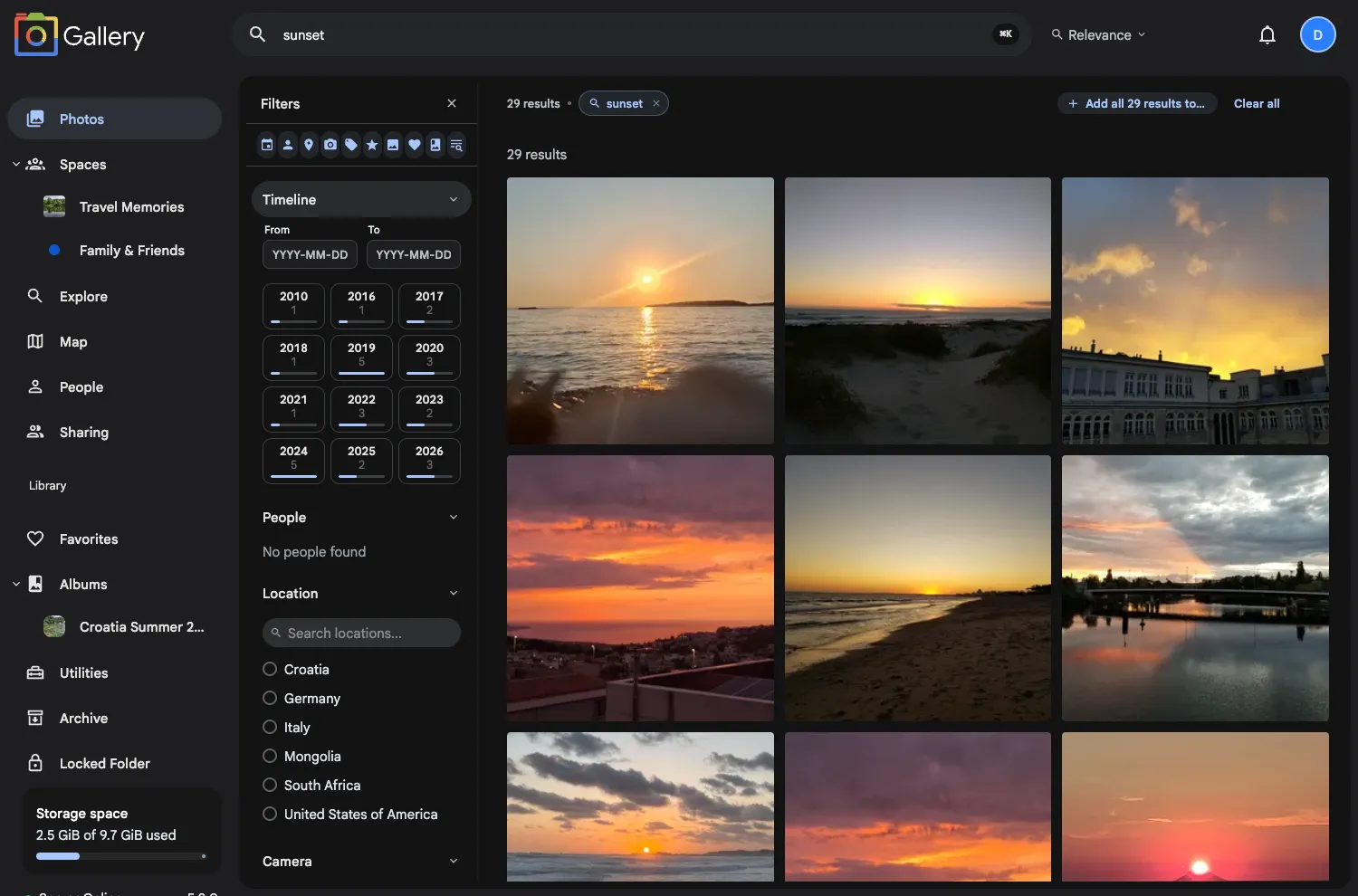
Type a query into the search bar on any Space page and get results from the same CLIP smart search that runs on your main timeline. Search by description ("sunset over the ocean"), by object ("red car"), or by text visible in the photo.
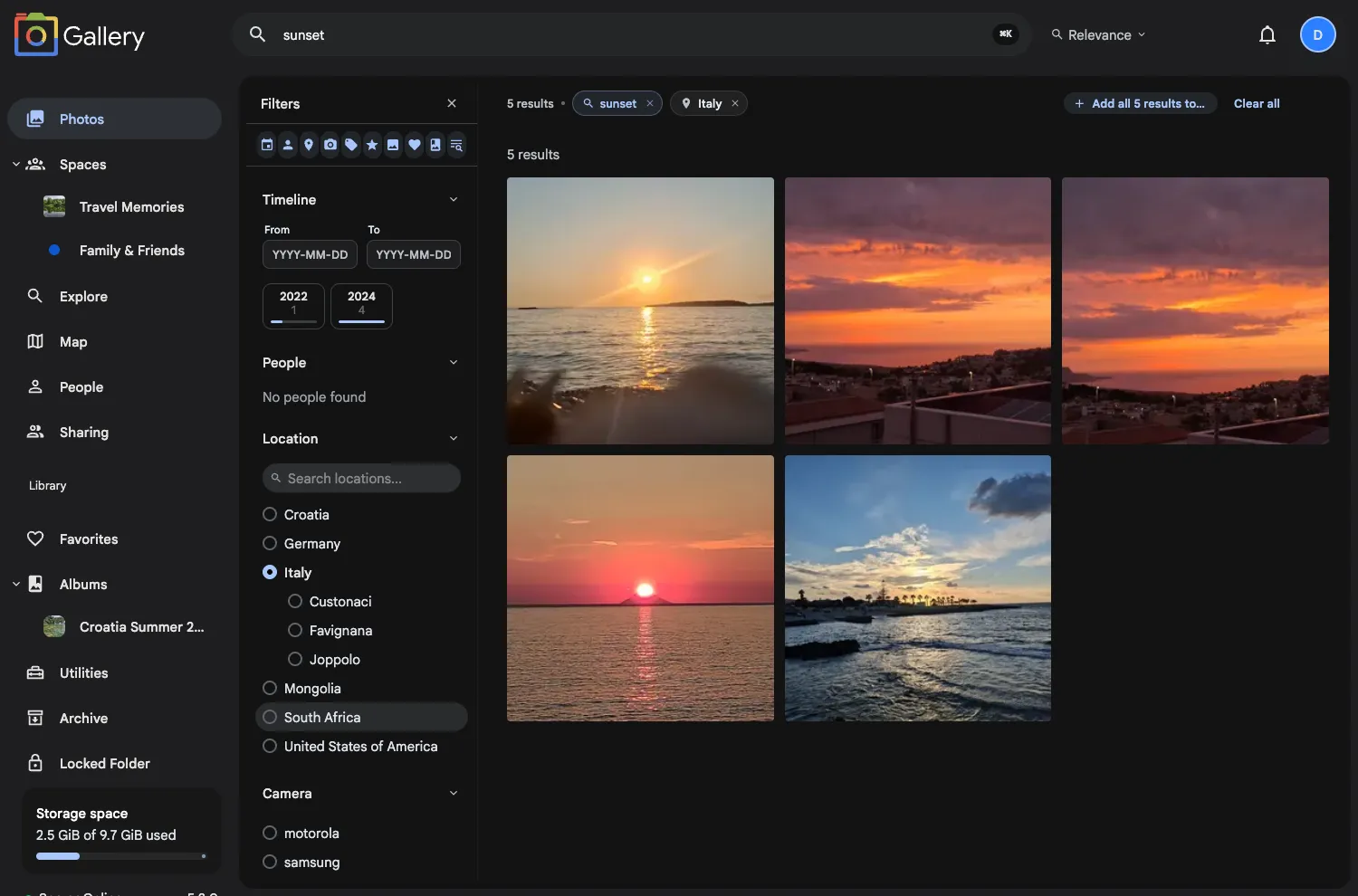
Search combines with your active filters. Select a year, pick a location, then search for "birthday" and you get the photos that match all three. Click a result to open it in the full asset viewer, with next and previous stepping through the rest of the results.
Part of the Cmd/Ctrl+K search system
The same search surface runs through Gallery's Search palette andGlobal search. Press Cmd/Ctrl+K from anywhere to search photos, people, places, tags, albums, Spaces, commands and settings, then route a query back into the Photos timeline or the Space you are already viewing.
Prefix shortcuts scope it faster: @ for people,# for tags, / for albums and Spaces, > for commands and pages. The palette also carries page-specific commands, so an album or a Space can be renamed, shared, managed or deleted without leaving the page you are on.
Filter suggestions that make sense
Select a date range in the temporal picker and the location, camera and people filters narrow to the values that exist in that period. If a country shows up in the filter, it has results.
Sections with no matching data collapse to a compact "(0)" indicator instead of an empty list. The temporal picker updates both ways: pick a location or a person and it shows which months have matching photos.
Filter your whole library, Spaces included
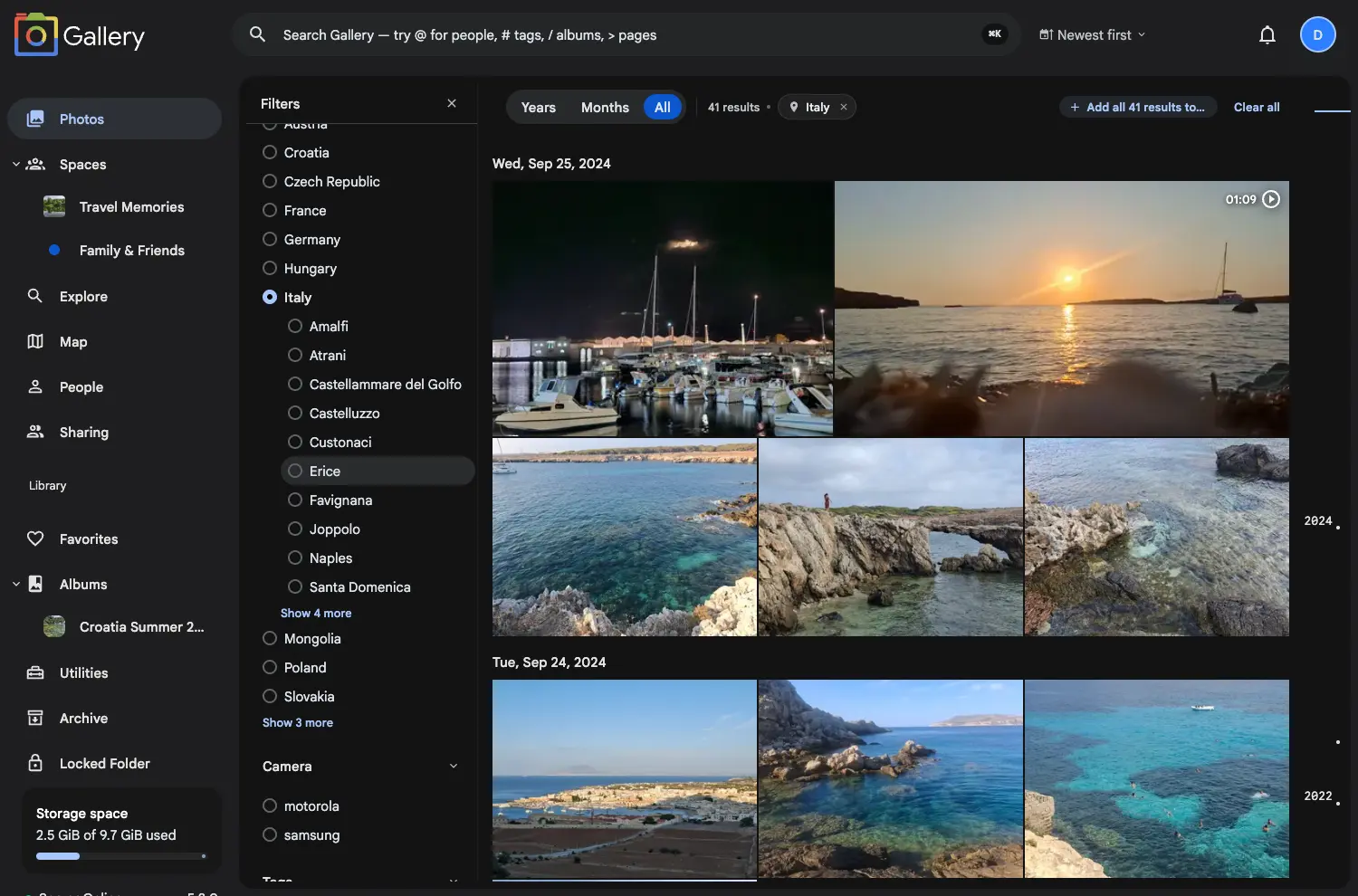
The same filter panel is on the main Photos page: filter your entire timeline by date, location, camera, people, tags, rating and media type without leaving your library view.
Smarter cascades, fewer dead ends
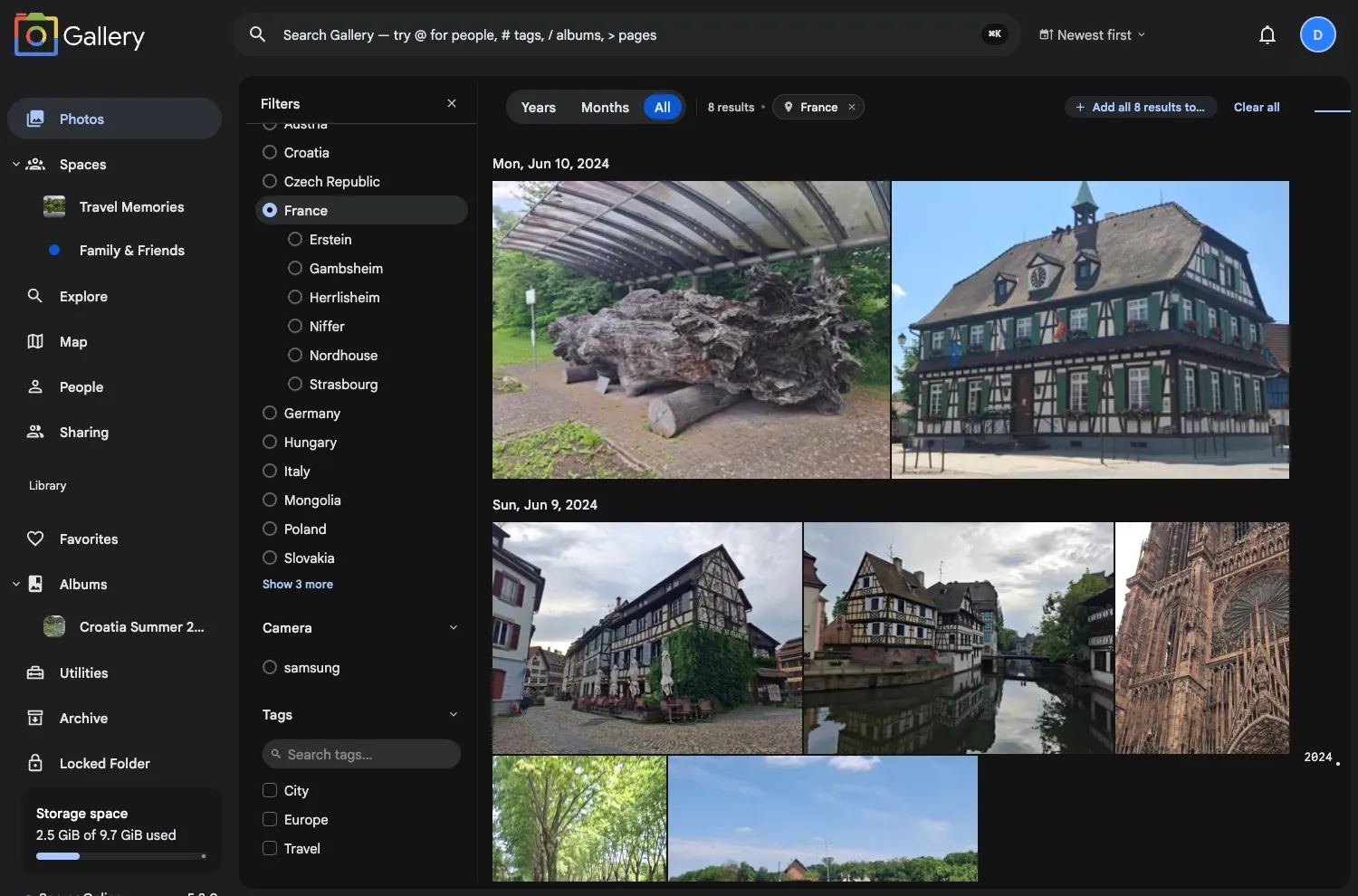
Country-to-city and camera make-to-model cascades query the server with the parent selection, so expanding "Italy" shows Florence and Rome rather than every city in the database. Combine that with a selected year and expanding a country gives you the cities you visited that year.
If a value you had already selected disappears after narrowing (you picked France, then a year when you were not in France), it stays at the top of the list, muted, so you can deselect it.