A crop is not enough to decide
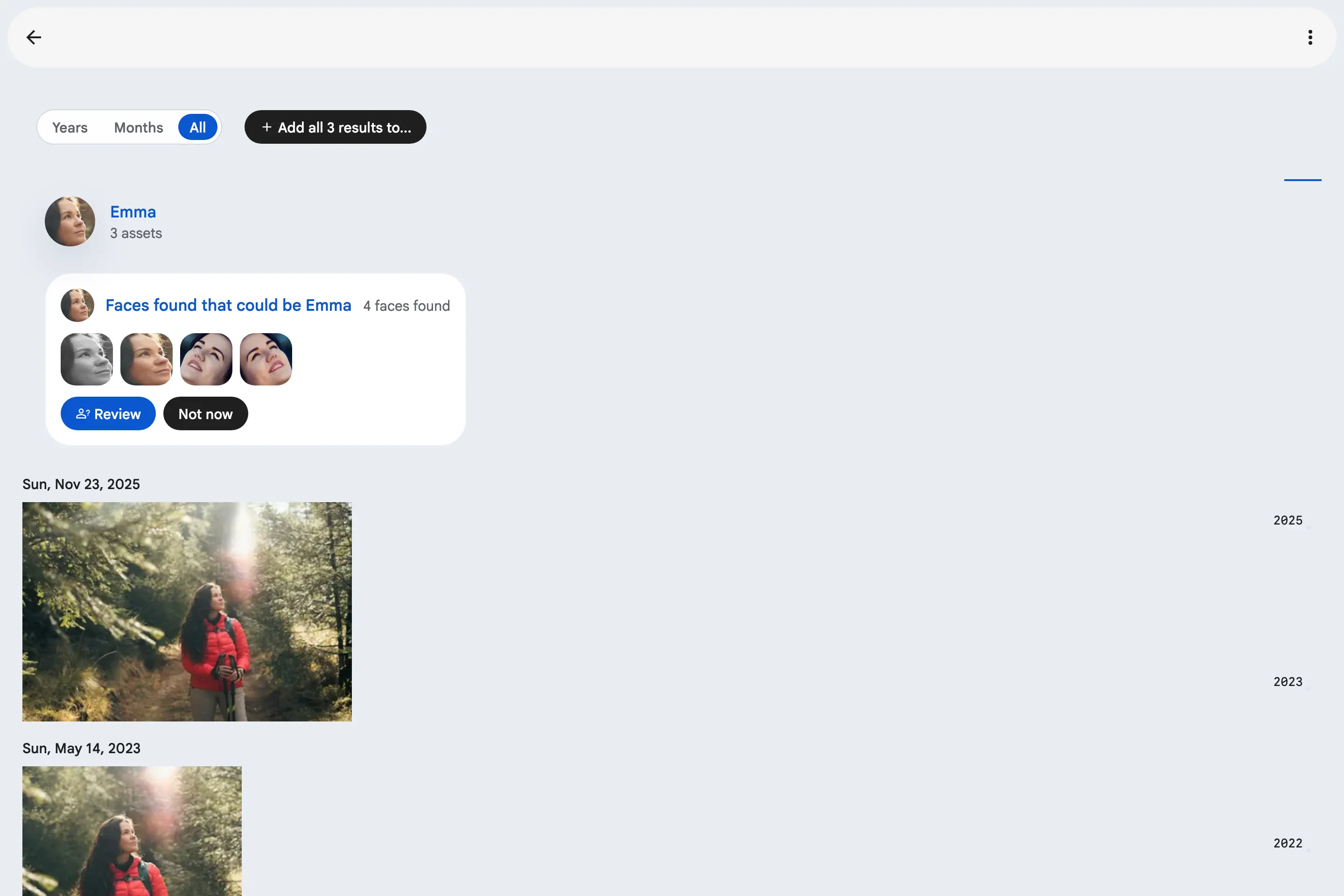
Face suggestions bring the near-misses back to the person they probably belong to. But a face that is close is usually close because it is hard: in profile, in bad light, years younger. All you had to go on was the crop and the photo, and the only way to learn more was to open it somewhere else.
The photo's context, beside the face
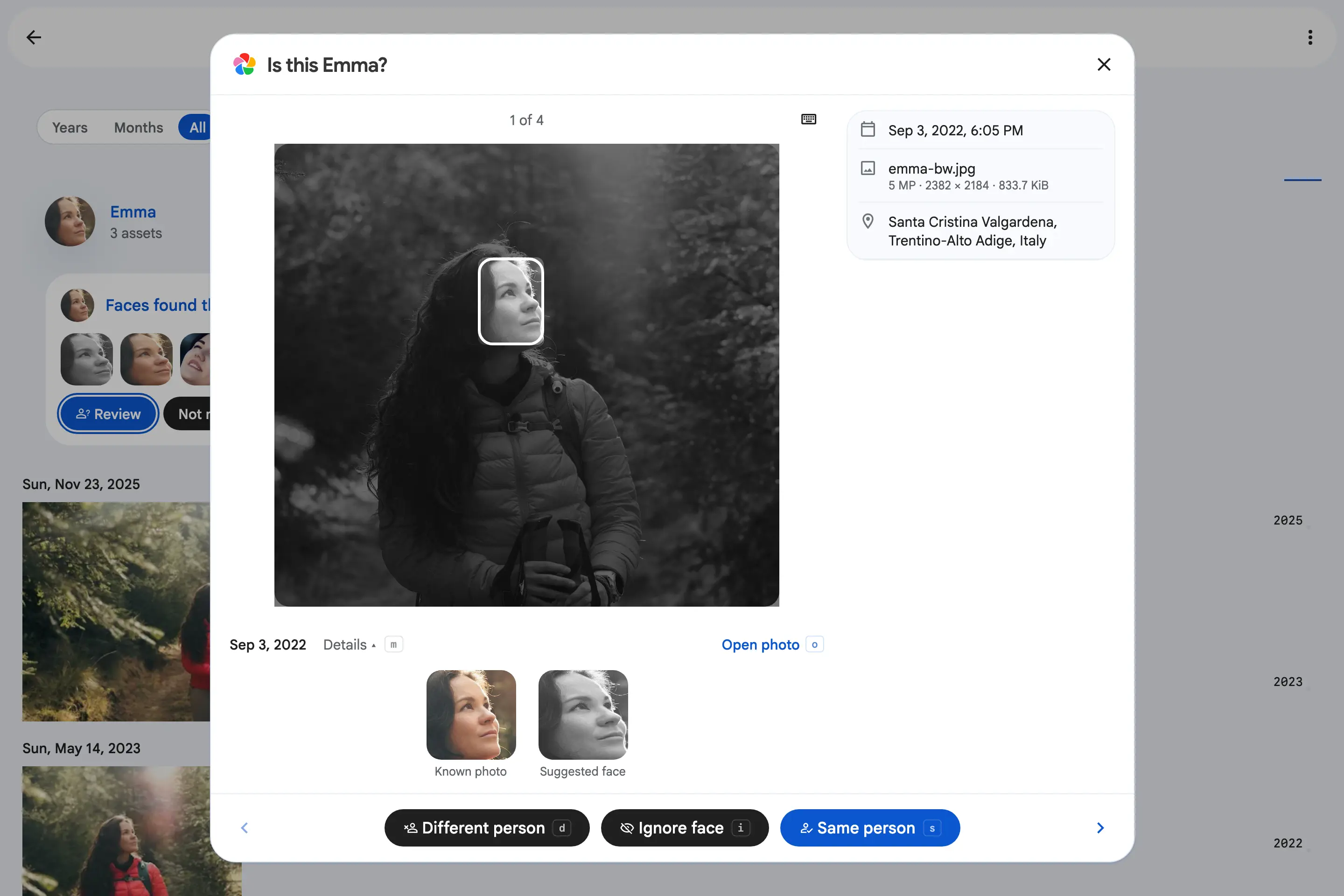
Under the photo the review shows the date it was taken and an Open photo link that opens it in a new tab, so your place in the queue is kept. Details adds the capture time, file, place, camera, the albums it is in and the people already recognised in it. Who else is in the frame is often the quickest way to settle a borderline face. Collapsed, it loads nothing, and it stays open or closed for the next face.
A queue you can clear from the keyboard
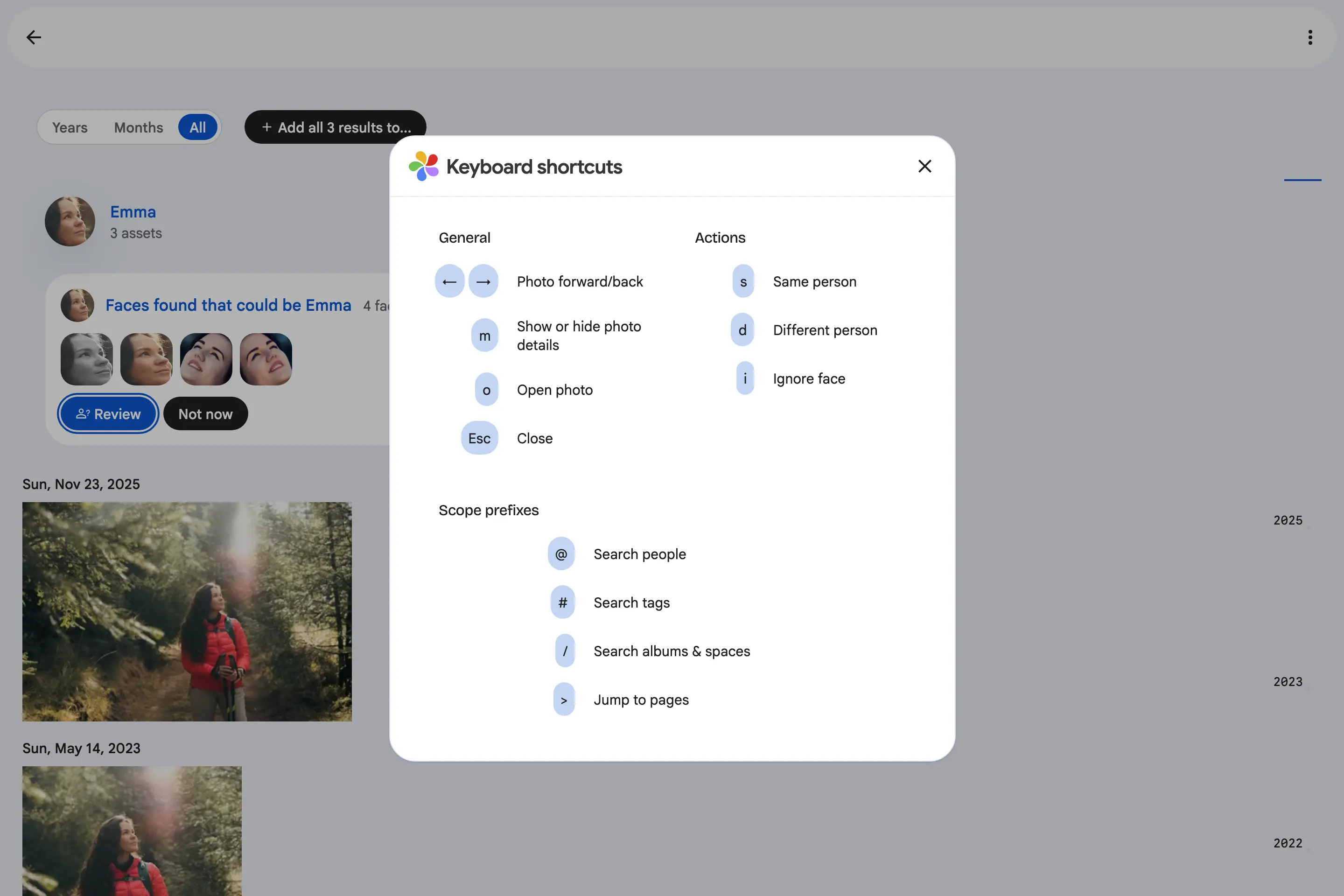
Every verdict is a letter: S same person, D different person, I ignore. The arrows move to the previous or next face without deciding anything, M shows the details and O opens the photo. Each key is printed on its button, and ? lists them all.
Inside Spaces too
The same review runs on a Shared Space's people. There, Open photo goes through the space, so a viewer who reaches the photo through the space can open it.