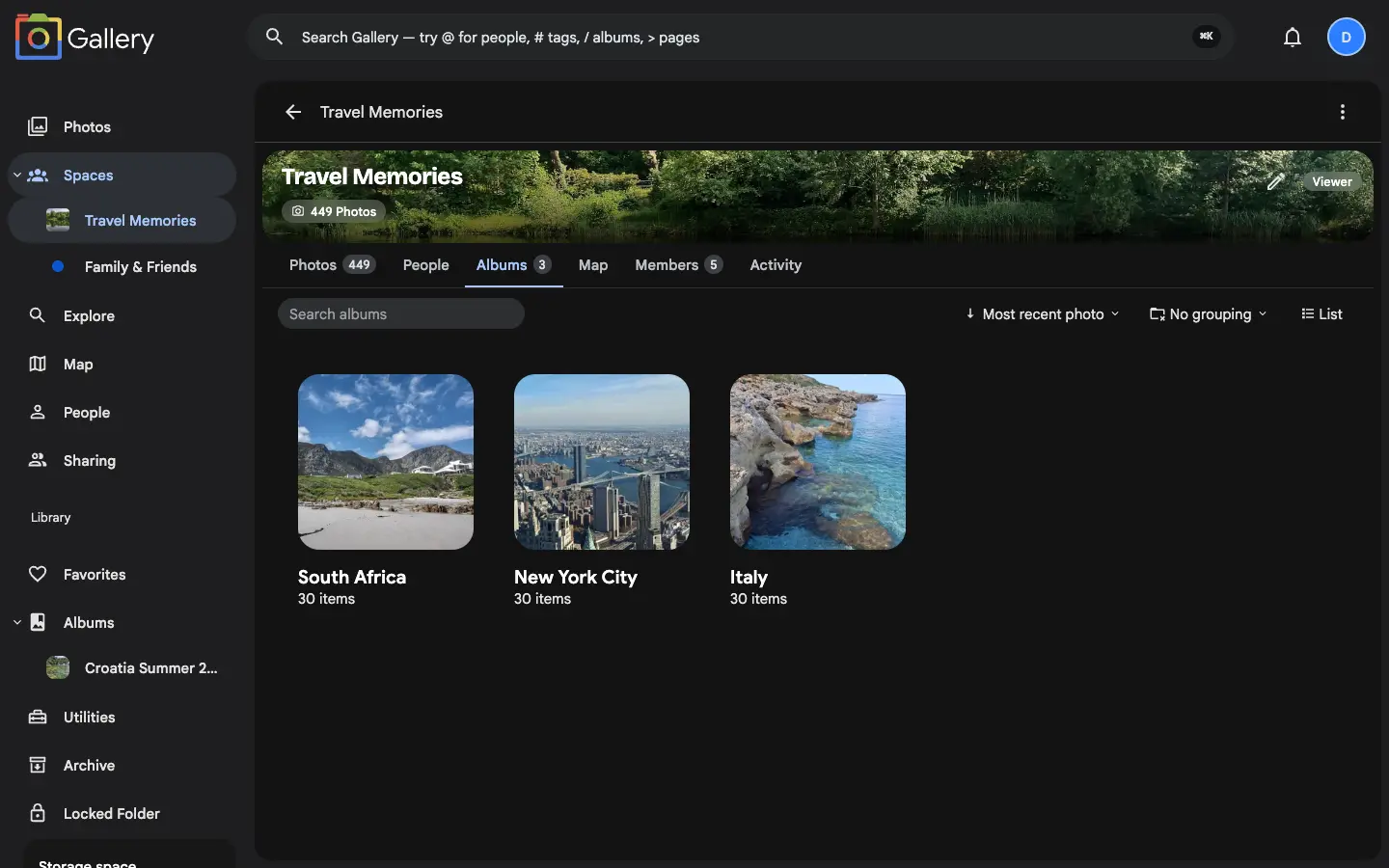
Bring whole albums into a Shared Space: link one you already have or create a new one inside the space, and its photos land on an Albums tab for every member, on web and mobile.
A Shared Space used to be a single combined timeline: every member's photos in one long river of pictures. Perfect for a weekend trip. Unworkable for a family library that spans years.Space albums give every Space a dedicated Albums tab, so the same collection can be organised into named albums instead.
Owners and Editors add albums in two ways: link one you already have, or create a fresh album right inside the Space. Either way its photos appear for every member immediately. The Albums tab carries the same search, sort, group and view controls as your personal Albums page, down to grouping by who linked the album or who owns it.
Linked by reference, never copied
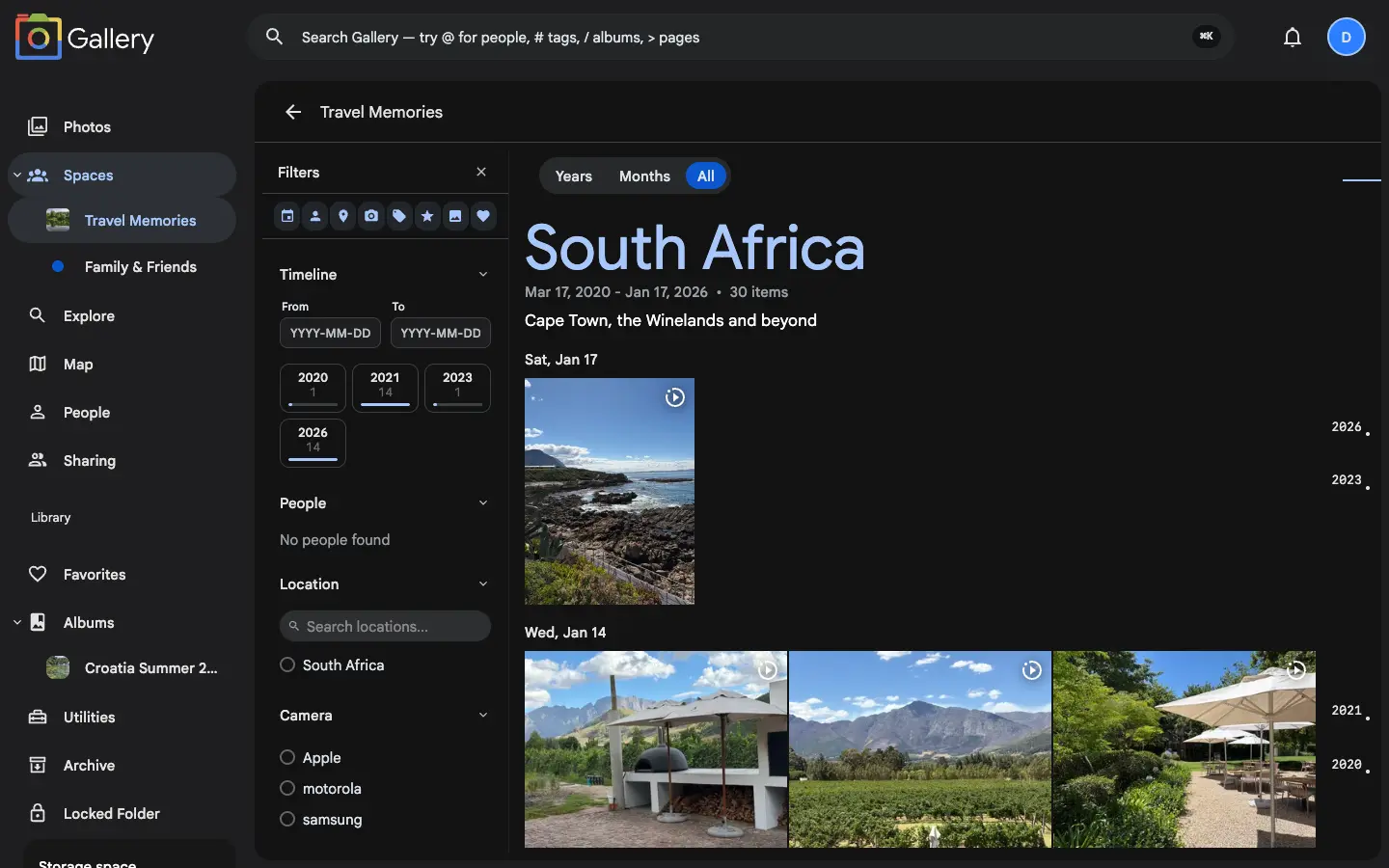
Linking an album into a Space duplicates nothing. The album stays in its owner's library and becomes visible inside the Space. Unlink it later and it leaves, original untouched. A Space can hold as many albums as you like, each one opening into its own titled timeline with its own filters.
Contribute across libraries
A shared album is only useful if everyone can add to it. When an Owner or Editor adds photos theydon't own to a linked album, those photos become contributions. Every member can view and download them, and they never leave their real owner's library. Unlink the album and the contributions are withdrawn.
You decide what reaches the timeline
Some albums belong on the Albums tab and nowhere else. Each linked album has its ownshow in the space timeline switch, so an editor can keep a curated album browsable without flooding the combined timeline. Members have a say too. An album's photos reach your personal timeline only when that switch and your own preference for the Space are both on.
Roles keep it tidy, on web and mobile
Space albums follow the same Owner, Editor and Viewer roles as the rest of Shared Spaces. Owners and Editors link, create and curate. Viewers browse, with the full toolbar over a read-only view. Every album action (created, renamed, photos added or removed) goes into the Space's activity log, and the whole Albums experience is mirrored in the iPhone and Android apps.